
Getting Started
1
Install Flatpak
sudo apt install flatpak  # Debian/Ubuntu
sudo dnf install flatpak  # Fedora
2
Add Flathub (required for dependencies)
flatpak remote-add --user --if-not-exists flathub https://dl.flathub.org/repo/flathub.flatpakrepo3
Add Santisbon Apps Repository
flatpak remote-add --user --if-not-exists santisbon-apps https://flatpak.santisbon.me/santisbon-apps.flatpakrepoAvailable Applications
Browse all available applications from this repository:
flatpak remote-ls santisbon-apps
iCloud Services
Access all your iCloud web services on Linux with native desktop integration. Includes Mail, Calendar, Contacts, Photos, Drive, Notes, Reminders, Pages, Numbers, Keynote, and Find My.
# Install prerequisites (either Chromium or Chrome)
flatpak install --user flathub org.chromium.Chromium
# OR
flatpak install --user flathub com.google.Chrome
# Install iCloud Services
flatpak install --user santisbon-apps me.santisbon.iCloudServices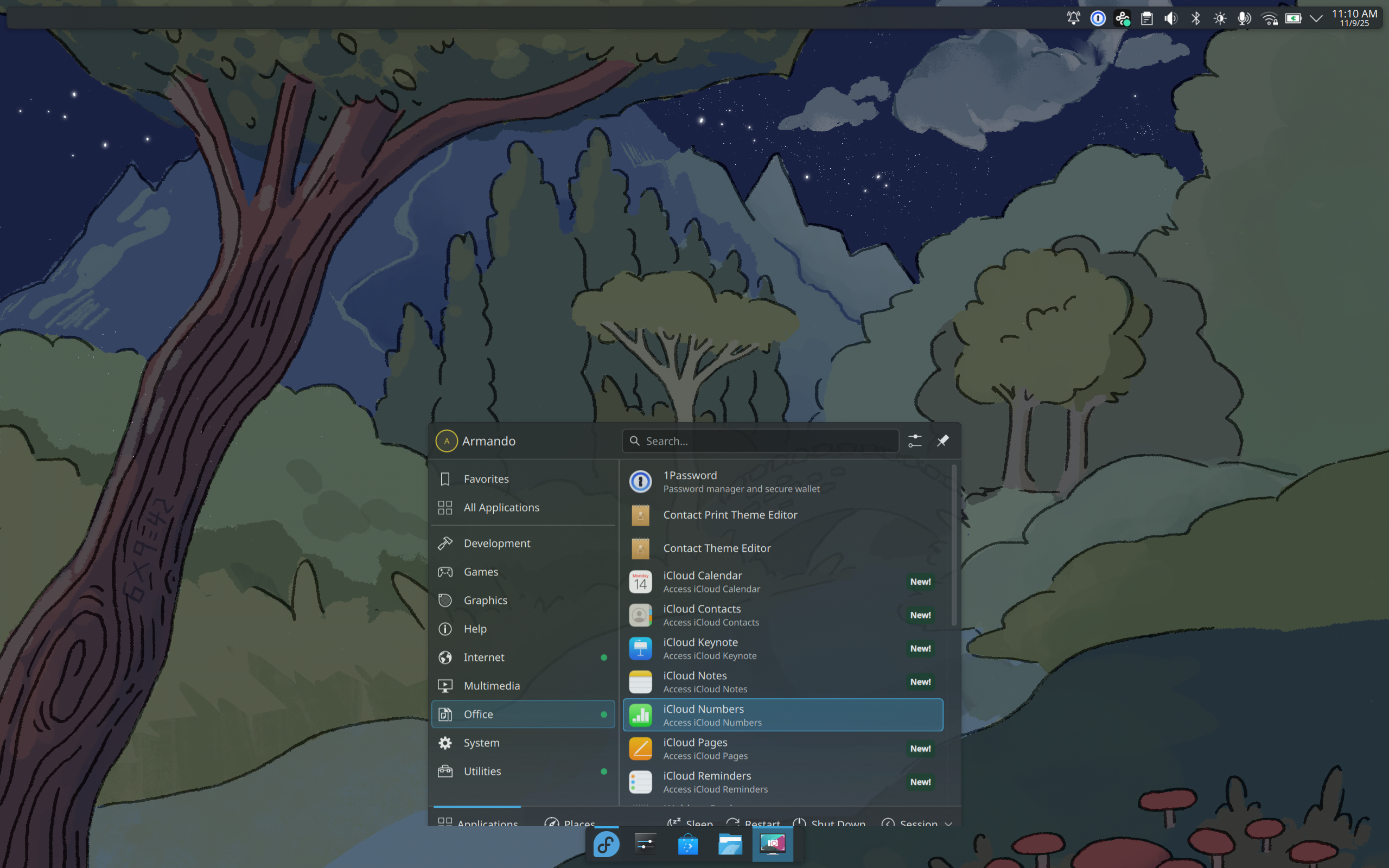
Desktop integration with proper categories and icons
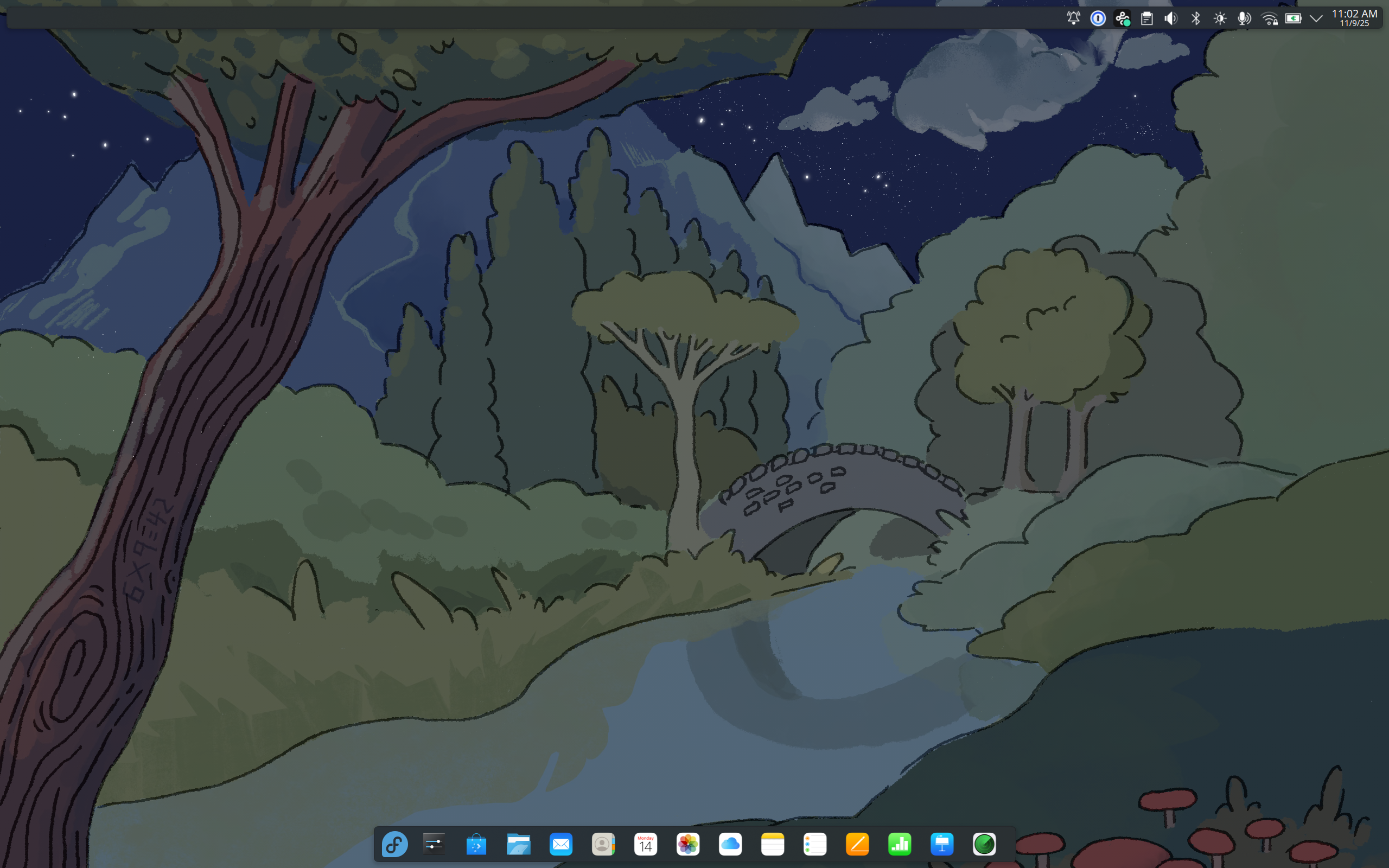
Apps pinned to Task Manager

Apple Music
Access the Music and Music Classical web services on Linux with native desktop integration. Enjoy your music library, playlists, and streaming in a clean, app-like interface.
# Install prerequisites (either Chromium or Chrome)
flatpak install --user flathub org.chromium.Chromium
# OR
flatpak install --user flathub com.google.Chrome
# Install Apple Music
flatpak install --user santisbon-apps me.santisbon.AppleMusic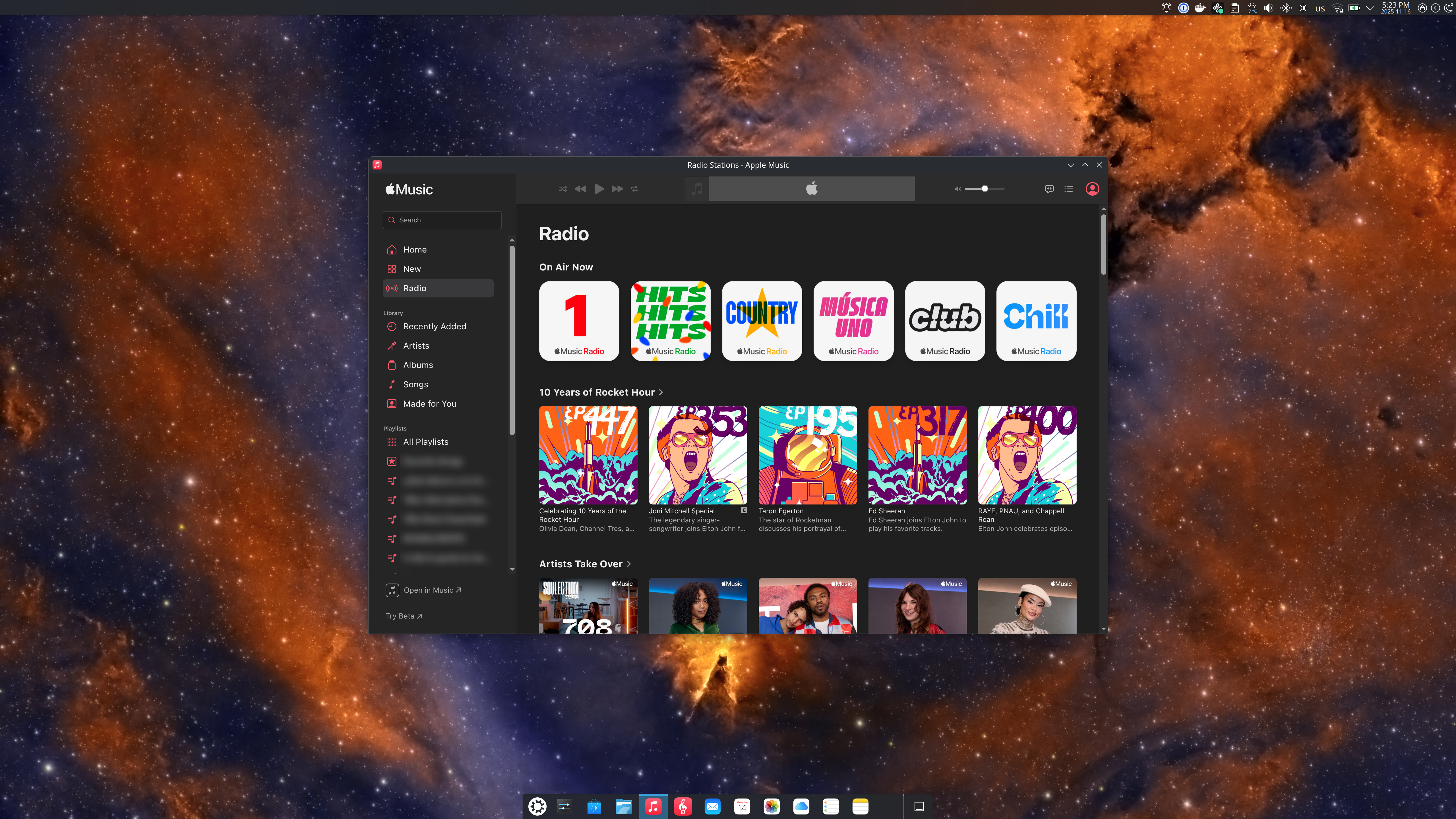
Apple Music pinned to Task Manager
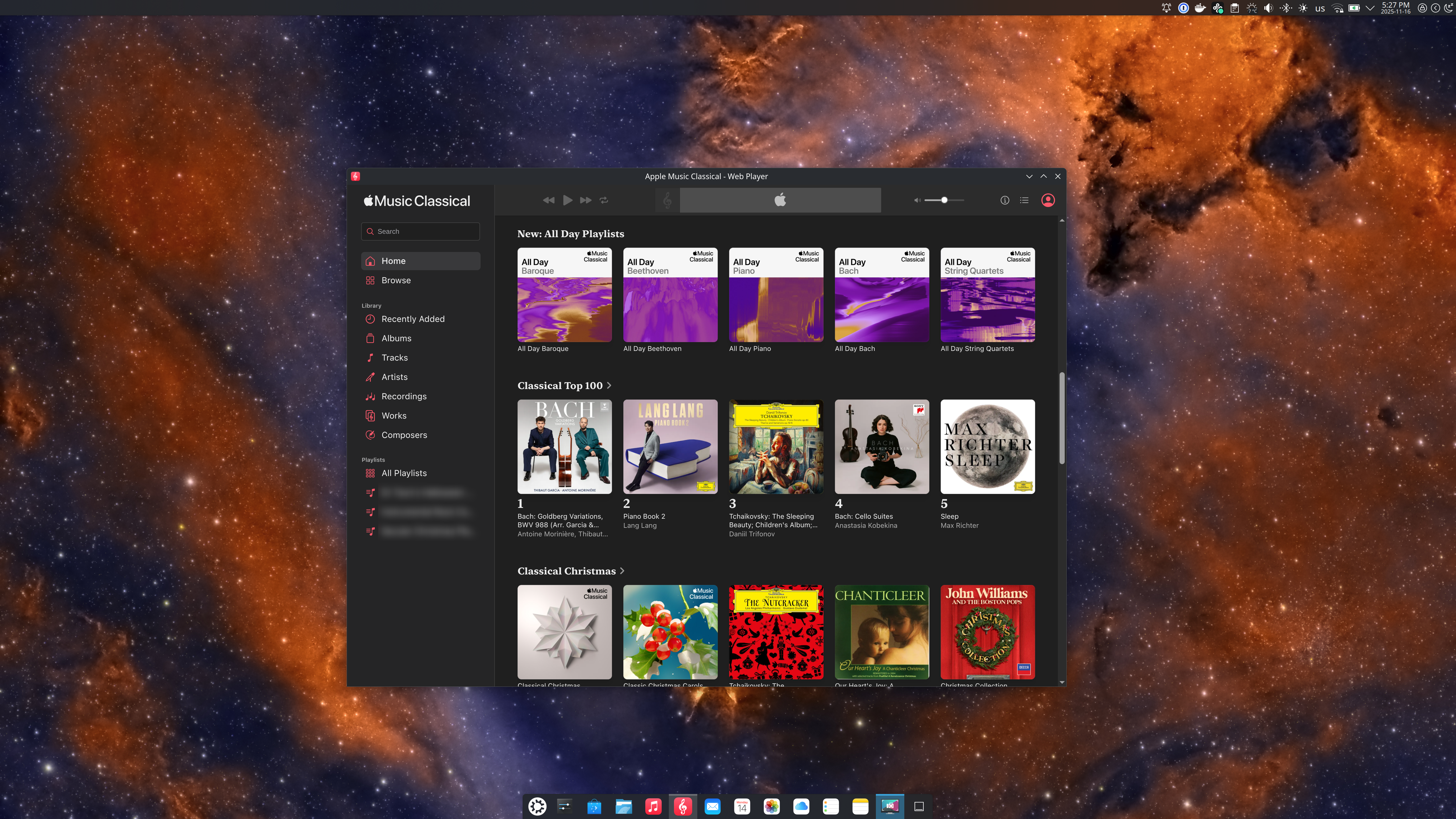
Apple Music Classical pinned to Task Manager
Keep Apps Updated
Run this command to update all installed Flatpak applications:
flatpak update